Installing Python dev tools on Linux is a bit of a pain, but it doesn’t have to be. This post will show you how to set up a great Python dev environment on Linux using brew, pipx, and poetry.
Dev tools should be accessable globally, but should’t be in the defualt global python env. Solution - pipx
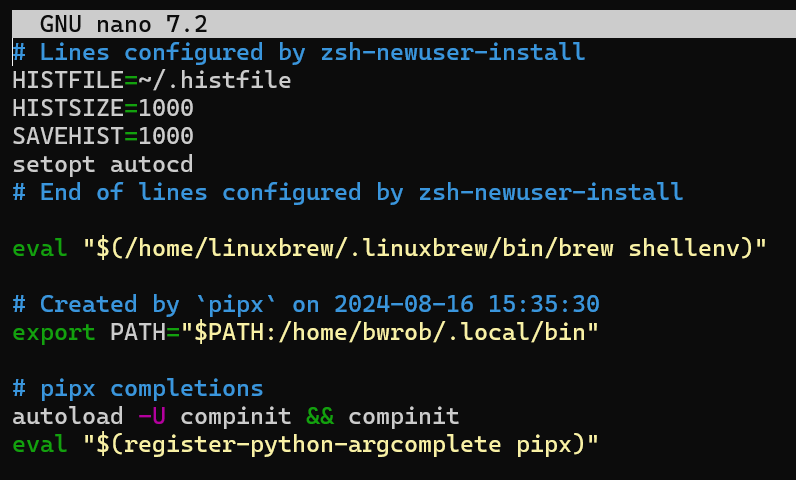
Add pipix completions to config
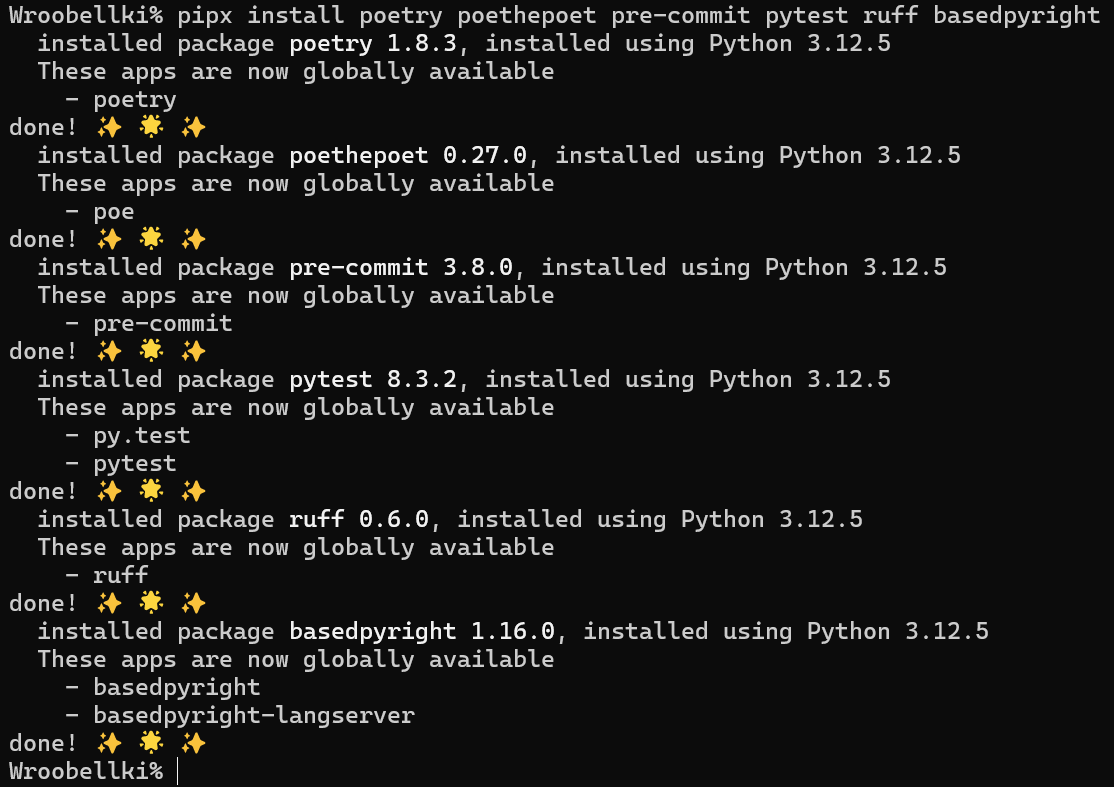
Install dev tools
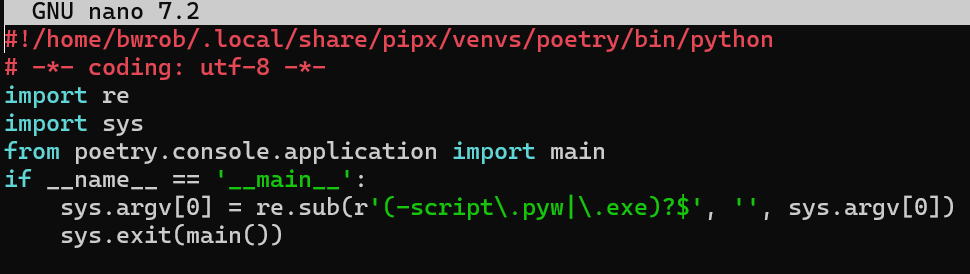
Shebang Line (#!):
!/home/bwrob/.local/share/pipx/venvs/poetry/bin/python: This line specifies the interpreter used to run the script. In this case, it’s a Python interpreter located in a specific virtual environment (poetry)
This script acts as a launcher for the poetry command. It sets up the environment and handles potential script extensions before delegating the actual command execution to the poetry library.
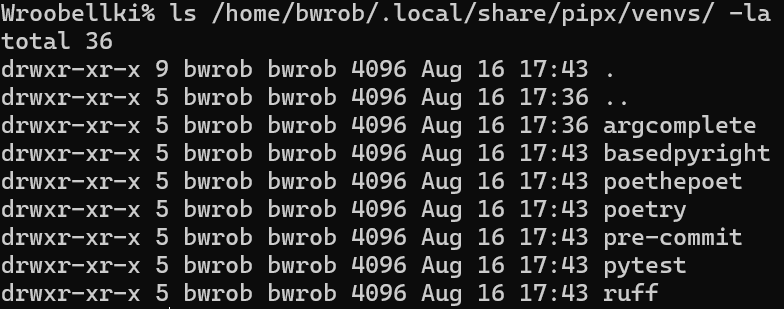
We can see that each of the toolos install with pipx is installed in its own venv, but is available globally
Copy your